
Pets

You could trade in your old Apple products, but the return won’t be nearly as much as it’s worth. It makes more sense to sell it privately, where you’ll likely get the biggest payout. Sell your iPhone and other electronics on KSL Classifieds, where you can reach thousands of serious shoppers searching for a great deal.
Search iPhones on KSL Classifieds →
You’ll have the best chance of selling quickly if you set a reasonable price. That doesn’t mean you need to undercut everyone else; just ask a fair dollar amount. Look at listings on KSL Classifieds to see what others are offering similar models for.
To get a better idea of the market, you might also check out online companies that buyback Apple devices. Generally for an iPhone, for example, they’ll offer about $100 less than what you might collect for a private sale.
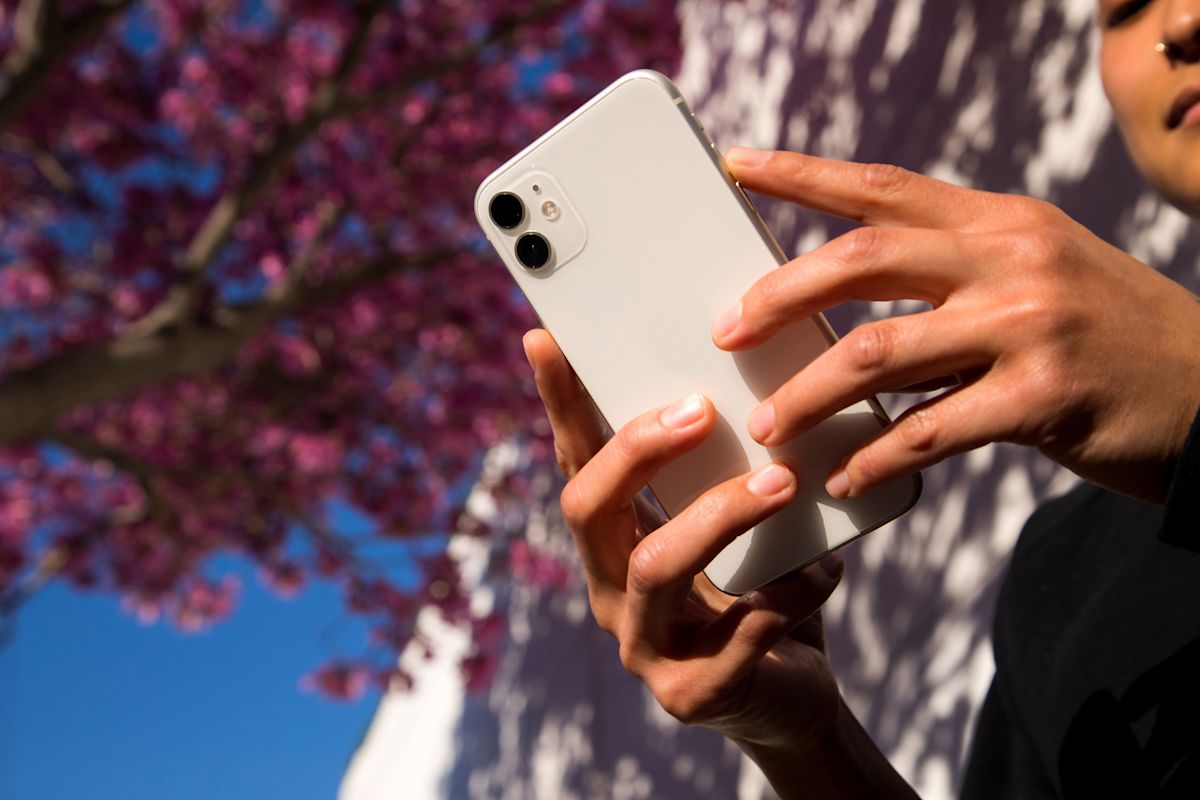
Sell your iPhone on KSL Classifieds.
Besides the right price, you can attract potential buyers with sharp pictures. Include photos of both sides of the device, whether it’s a phone, computer or watch, including the lit-up screen. Don’t forget to write a good description to go along with your item.
Accurately describe the device’s condition, including any cracks, scratches, white/gray spots or water damage.
Does it fully charge? How long does the charge last?
Do all the features still work as intended?
What is the storage capacity?

Ready for a new watch? Let someone else have the time of their life with your old one.
Where can you sell an Apple Watch? KSL Classifieds is still the right answer! Most of the iPhone advice mirrors how to sell your Apple Watch for the best price. You can sell it as a trade-in or buyback, but you’ll likely get more cash if you sell it privately.
The price you get will depend on the watch itself, including the model, its condition and the features. Again, be sure to include clean images of the device in your listing. Show the watch face, as well as the band.
In the description, include any issues it may have, or declare it problem free. Perhaps you can entice buyers with your inspiring story thanks to the Apple Watch. “I lost 25 pounds using this to track my daily workouts!”
See Apple Watch listings on KSL Classifieds →
When you’re selling a MacBook, or any electronic device, be sure to list it under the correct category on KSL Classifieds. This helps shoppers find your listing quicker. Where do you sell a MacBook? When you create your listing, select the Computer category, then the Apple Laptops subcategory. Buyers can quickly find your listing, and they won’t get distracted wading through other brands.
Find MacBooks on KSL Classifieds →

Tired of your current MacBook? Sell it to help pay for an upgrade.
When buying or selling electronics, everyone should be wary of potential scammers. Shoppers can feel more confident that you’re a real person, and that you have an actual device to sell, with a well-written listing.
Double-check that all words in your heading and description are spelled correctly and there are no grammatical errors. Read it aloud or show it to a friend to make sure you’ve said what you intended.
Buying and selling locally using KSL Classifieds helps both parties have a positive experience. As a seller, you can make the sale in person. You don’t need to worry that a virtual payment will be canceled, or that someone will claim your device never arrived in the mail.
As a buyer, you can feel more comfortable knowing you’re buying from a real, live human. Enable Messages on the KSL Classifieds app to ask questions and make arrangements.
Ready to make a deal? Find yours on KSL Classifieds.