Home & Garden

Thanks for joining our community. KSL Classifieds makes buying and selling in your neighborhood a breeze.
Download our app for the smoothest experience. Turn on notifications to never miss a deal and customize your home screen to find items faster. We’ll help you get started, but you can always reach out if you need a hand.
The KSL Classifieds app is designed with users in mind.
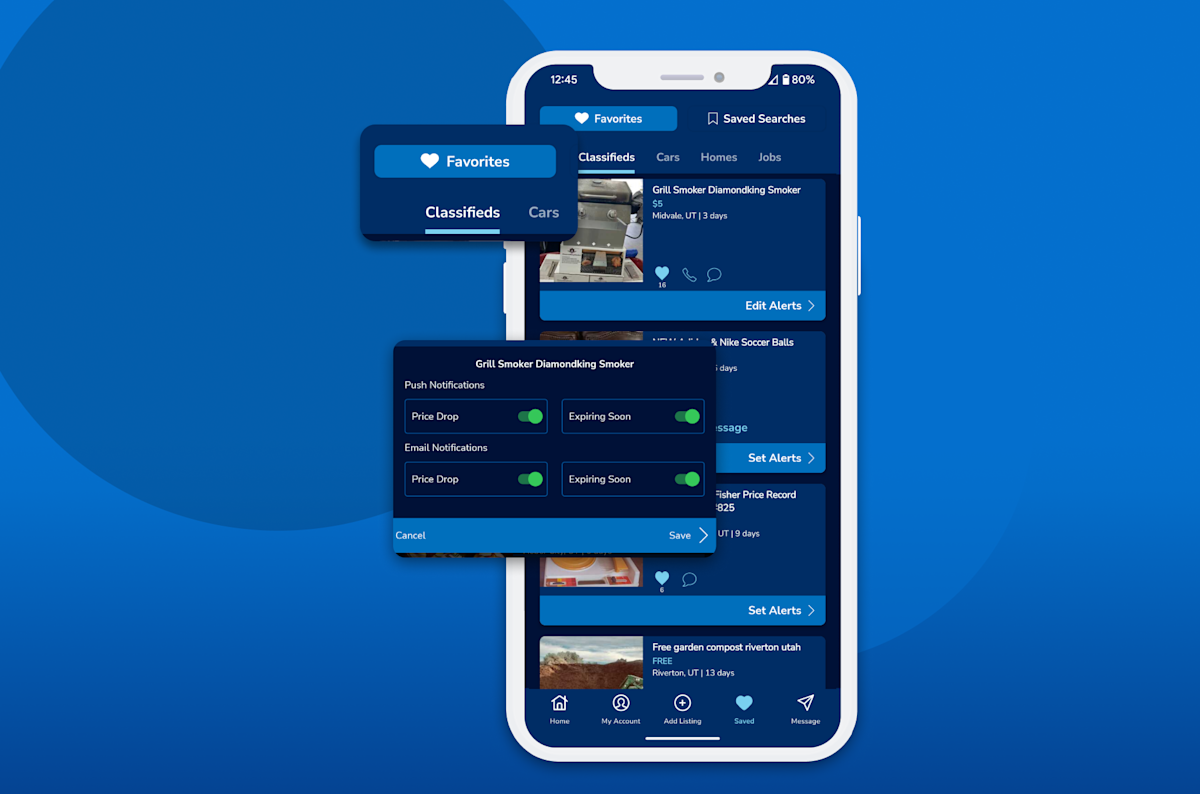
Fastest way to use KSL Classifieds and access Favorites and Saved Searches.
Custom home screen to fit your desired categories.
Smart search filters and instant message notifications at the tap of a finger.
Just browsing? Create a KSL Classifieds account to start buying and selling today. You can fill out the form online, but we recommend using the app. Follow the instructions here.
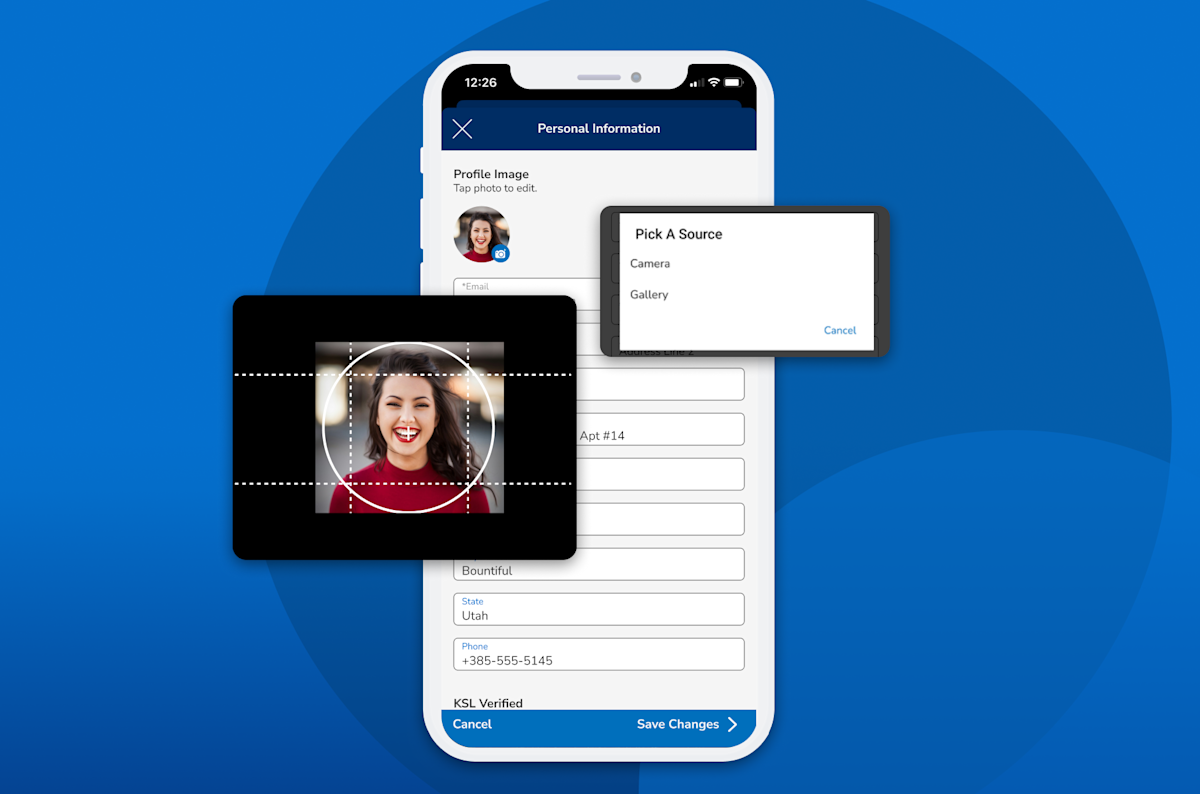
To enhance transparency across our platform — and to help prevent fraud — complete your entire account Profile. This includes:
Verifying your Profile: Being verified enhances your credibility.
Uploading a photo: Show you’re a person, not a spammer.
Verifying your phone number: Allows you use your phone number as a contact option.
Uploading a video: Introduce yourself. This can be especially helpful if you're selling on KSL.
Completing About Me: Write a little about yourself.
Once you’ve had an account for at least two years, you’ll see a Member Badge on your account showing the number of years since you signed up.
No deal slips through your fingertips. Stay ahead of other buyers or sell quickly with real-time notifications for:
Saved Searches
Direct messages
Price drops
Item updates
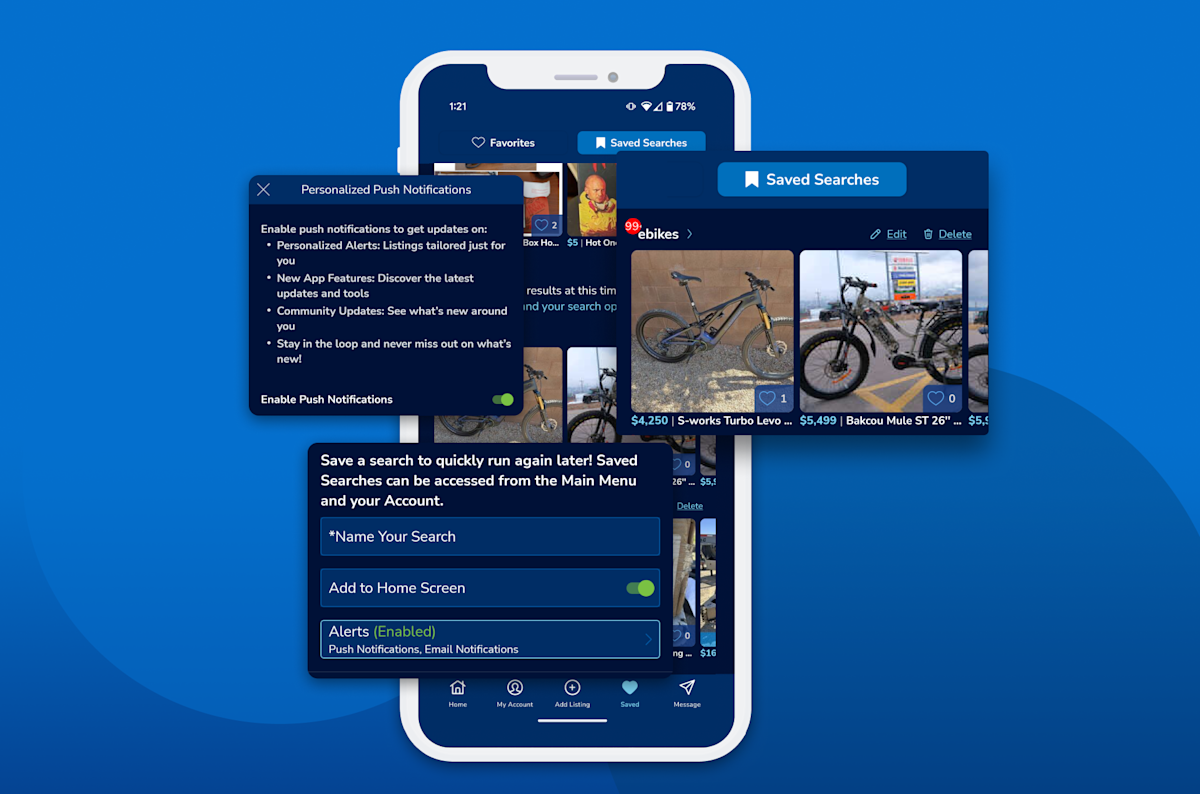
Ding — a new coffee table just hit the market! Find what you’re looking for faster when you create an alert for Saved Searches. If something gets added to a category you saved, you’ll be notified right away.
How to create a Saved Search →
Got a thing for vintage lamps? Keep track of the best ones with Favorites. All you have to do is tap the little blue heart icon.
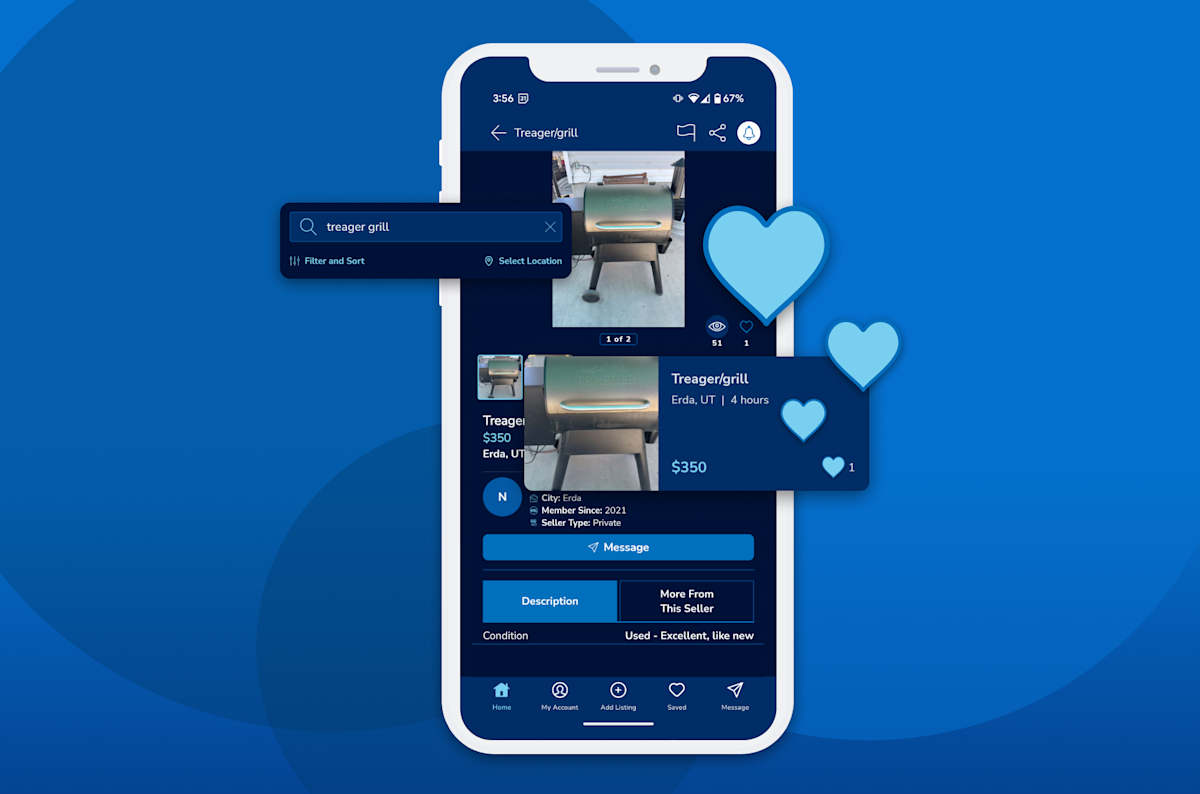
How and why to Favorite a listing →
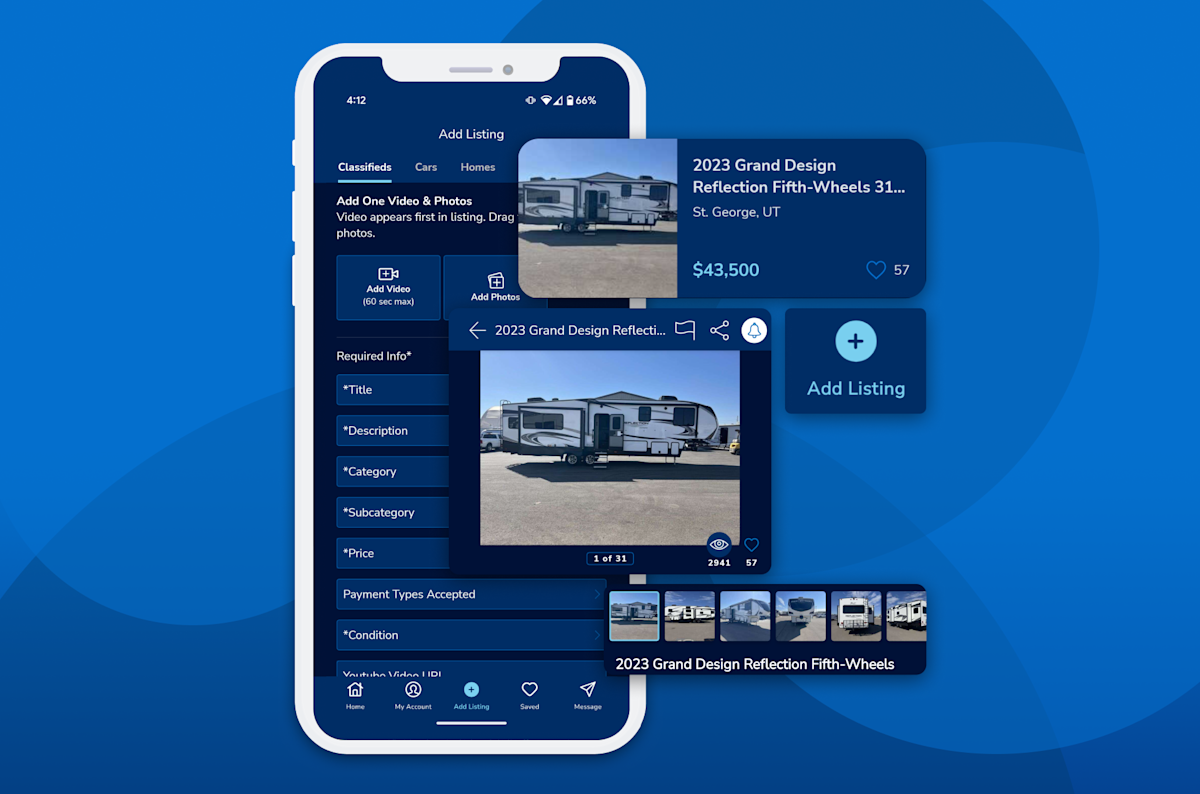
Reach thousands of local shoppers, for free! Just add some photos, write a description and collect the cash.
You’re only here for the vintage lamps, remember? Your feed. Your way.
Add the following to your home screen:
Saved Searches
Category specific Favorites
Category specific My Listings
Category specific Top Listings
You can tell others about your experience with other private KSL users by leaving a rating and review after every transaction. The seller can leave one for you too.
Still need assistance? A member of our support team is happy to address any issues you may be having.