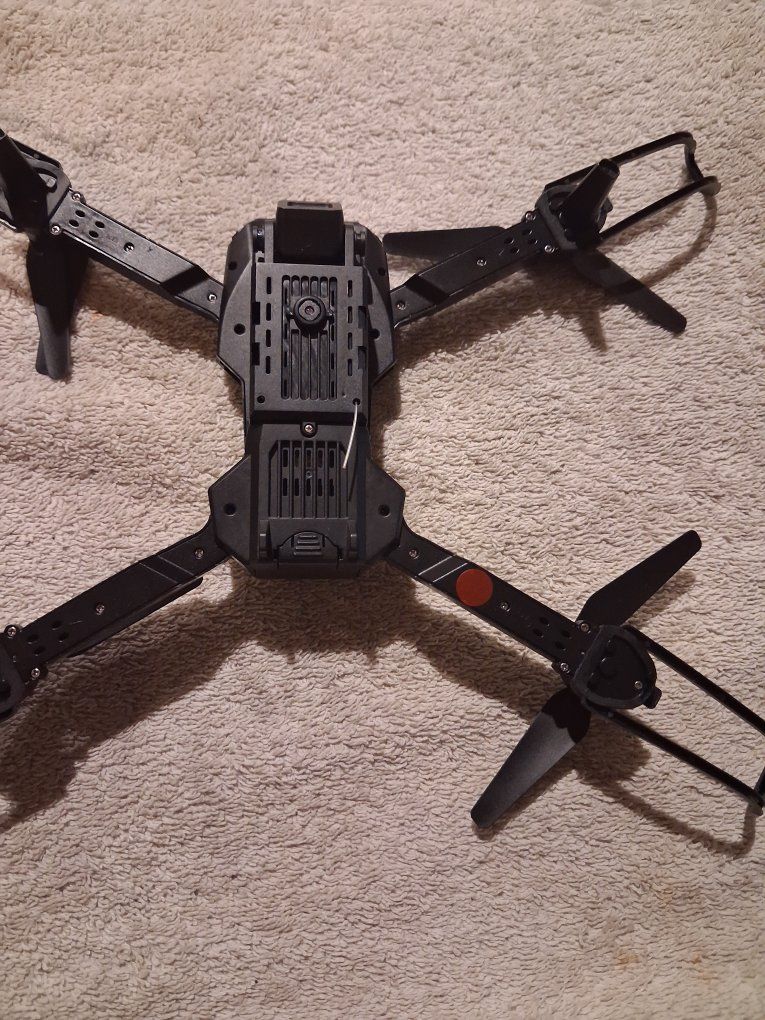
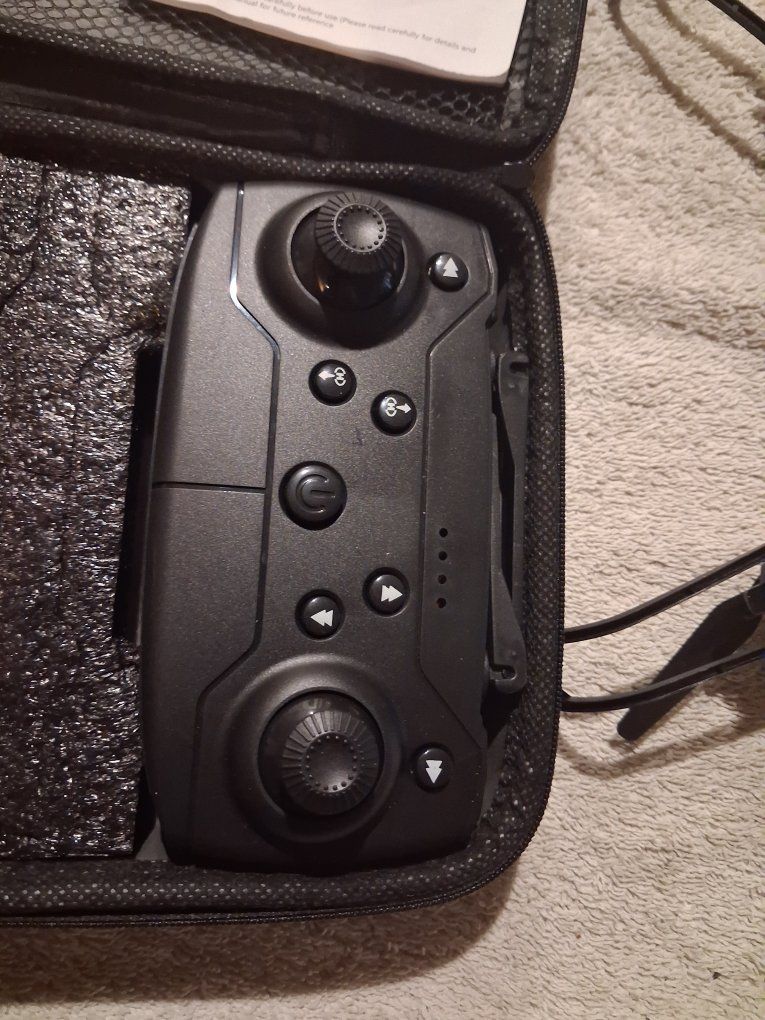
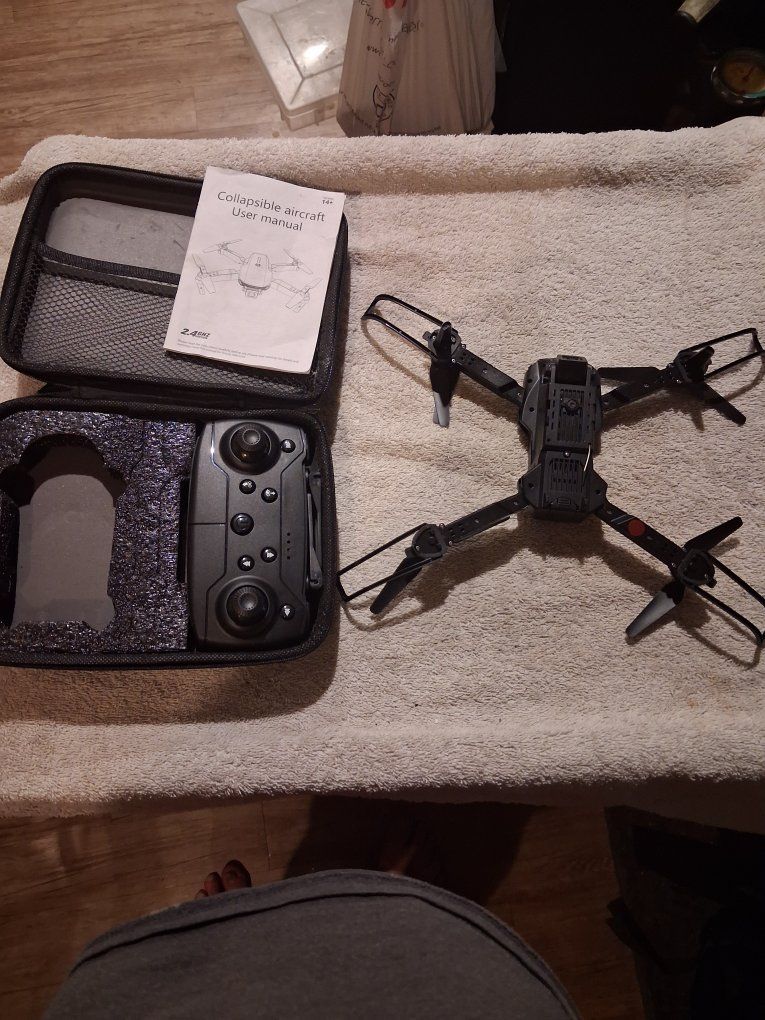
E88 / E88 Pro Drone
6 Hours
2
0
$20.00

Steven
Note: KSL, its service providers, and the seller receive data from this message. See our Privacy Notice and TOU for details.
Description
Condition
Payment Types Accepted
 Venmo
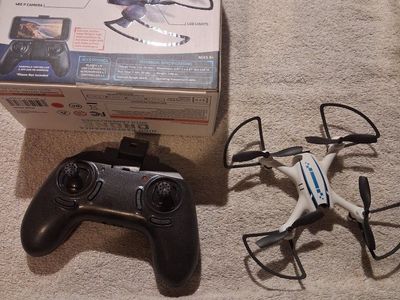
VenmoThe E88 / E88 Pro Drone is one of the most popular budget beginner aircraft. It relies on a specific sequence for linking, calibrating, and pairing with a smartphone app.1. The Smartphone App & Live Camera FeedTo view the live camera stream on your phone screen, use the following steps:The App: Search your phone's app store for "RC FPV". (Alternative compatible apps for this specific board include "HF UFO" or "WiFi Cam" if you prefer trying a different layout).Connection Steps:Power on the drone (the lights will flash).Open your phone's Wi-Fi Settings.Look for a network labeled "WiFi-B8K*"** or "WiFi-8K*"** and connect to it.If your phone gives a prompt saying "Connected, no internet access," select keep connection / stay connected.Open the RC FPV app and press "Start" to see your live camera view.2. Pre-Flight Pairing & Necessary Gyro CalibrationBefore attempting a takeoff, you must link the remote controller and calibrate the internal sensors on a flat surface to prevent the drone from immediately drifting away or crashing.Pairing: Place the drone on flat ground. Turn on the drone, then turn on the remote. Push the left joystick (throttle) all the way up, then pull it all the way down. The remote will beep and the drone's flashing lights will turn solid.Calibration (Crucial Step): Move both joysticks down and to the outer corners at the same time (Left joystick to bottom-left, Right joystick to bottom-right). The drone's lights will rapidly flash for a couple of seconds and turn solid again. This zeroes out the gyroscopes.3. Takeoff InstructionsOnce paired and calibrated, you can launch using one of two methods:One-Key Takeoff (Easiest): Press the dedicated One-Key Takeoff button on the remote. The motors will engage, and it will auto-rise and hover roughly 3 feet off the ground.Manual Takeoff: Push the left joystick up once to start the propeller motors idling. Push the left joystick up a second time to smoothly ascend into the air.
You Might Also Like



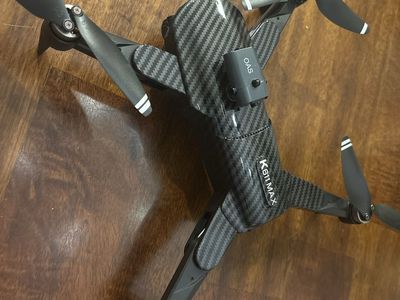
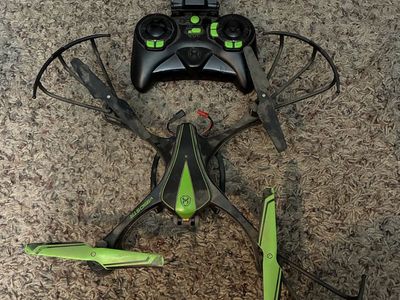
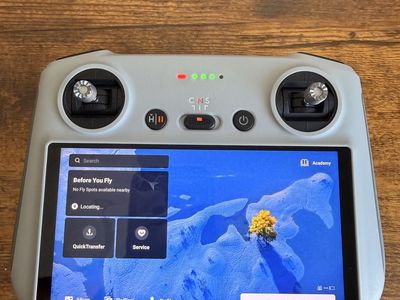
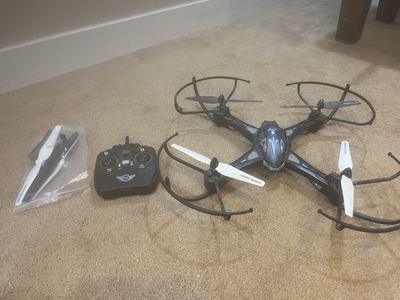
E88 / E88 Pro Drone
6 Hours
2
0
$20.00
Steven
Note: KSL, its service providers, and the seller receive data from this message. See our Privacy Notice and TOU for details.
Description
Condition
Payment Types Accepted
VenmoThe E88 / E88 Pro Drone is one of the most popular budget beginner aircraft. It relies on a specific sequence for linking, calibrating, and pairing with a smartphone app.1. The Smartphone App & Live Camera FeedTo view the live camera stream on your phone screen, use the following steps:The App: Search your phone's app store for "RC FPV". (Alternative compatible apps for this specific board include "HF UFO" or "WiFi Cam" if you prefer trying a different layout).Connection Steps:Power on the drone (the lights will flash).Open your phone's Wi-Fi Settings.Look for a network labeled "WiFi-B8K*"** or "WiFi-8K*"** and connect to it.If your phone gives a prompt saying "Connected, no internet access," select keep connection / stay connected.Open the RC FPV app and press "Start" to see your live camera view.2. Pre-Flight Pairing & Necessary Gyro CalibrationBefore attempting a takeoff, you must link the remote controller and calibrate the internal sensors on a flat surface to prevent the drone from immediately drifting away or crashing.Pairing: Place the drone on flat ground. Turn on the drone, then turn on the remote. Push the left joystick (throttle) all the way up, then pull it all the way down. The remote will beep and the drone's flashing lights will turn solid.Calibration (Crucial Step): Move both joysticks down and to the outer corners at the same time (Left joystick to bottom-left, Right joystick to bottom-right). The drone's lights will rapidly flash for a couple of seconds and turn solid again. This zeroes out the gyroscopes.3. Takeoff InstructionsOnce paired and calibrated, you can launch using one of two methods:One-Key Takeoff (Easiest): Press the dedicated One-Key Takeoff button on the remote. The motors will engage, and it will auto-rise and hover roughly 3 feet off the ground.Manual Takeoff: Push the left joystick up once to start the propeller motors idling. Push the left joystick up a second time to smoothly ascend into the air.
You Might Also Like
