
Home & Garden

It’s normal and necessary to be concerned about fraud when buying and selling online. Would-be fraudsters will try to take advantage of platforms where it’s harder to verify their identity, making it easier for users to fall for their deceptive tactics. That’s why we introduced Messages, our in-app messaging feature, so users can have a safer and more reliable way to communicate when shopping online.
Since launching Messages in 2022, we’ve seen a significant drop in fraud complaints. In fact, Messages have cut fraud reports in half! Skip the risks associated with third party messaging and keep conversations within KSL Marketplace Messages.
Our Messages feature was designed to provide a more secure and streamlined way for buyers and sellers to communicate with each other. Using Messages can help you avoid phishing or common fake payment schemes. There are several ways we do this.
Limit conversations to users with verified emails: Not just anyone can reach out to you. Our system ensures only registered users with verified emails can communicate with each other.
Ability to directly report suspicious activity: If a buyer or seller says something a bit iffy that makes you go “hmm,” you can report the conversation immediately. Our team will then review the report to help keep KSL Marketplace safe for everyone.
Blocking features: This gives you an extra layer of control and security. If someone makes you uncomfortable or seems untrustworthy, you can block them directly within the app.
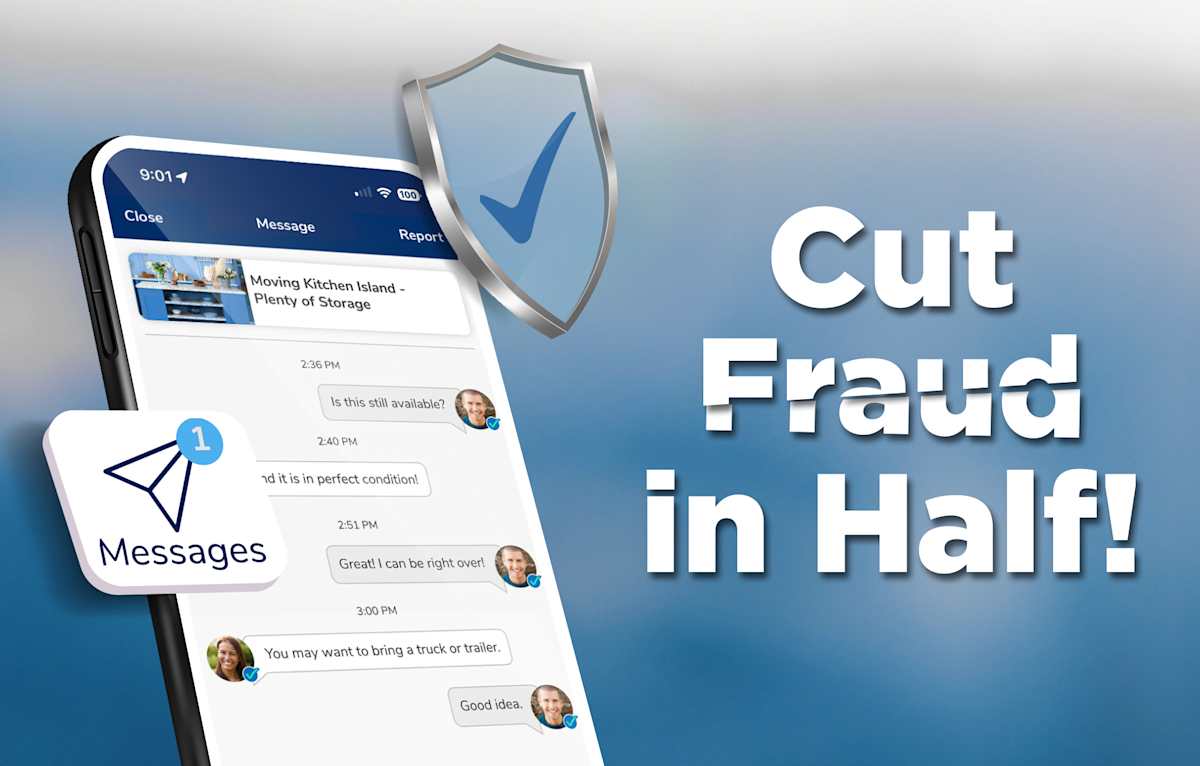
Since implementing Messages in 2022, fraud complaints have dropped by 50% — an excellent indicator that this feature is working to protect users like you. These numbers give us a good idea that fraudsters seem to prefer to operate outside of a secure platform like KSL Messages.
Take full advantage of our Messages feature within the app in just a few quick steps.
Download the KSL Classifieds app and create a Verified Profile if you haven’t already.
To access Messages within the KSL Classifieds app, tap the paper airplane icon. It can be found on your universal account menu, in your Favorites, on listing detail pages and search results pages.
When you create a listing, you’ll have the option to opt in or out of using Messages. We recommend opting in to our Messages feature to be able to receive push notifications and for a more secure form of communication.
Use the flag icon if you ever need to report a message. Then toggle on Block User if necessary.
Watch this video to learn more about Messages.
Fraudulent activity is far less likely to occur when users communicate through Messages versus external platforms. We’re committed to making Messages a safer and more trustworthy experience, and we rely on users like you to help us achieve that goal.
Download the KSL Classifieds app to start using Messages today, and visit our Resource page to read up on other tips to avoid fraud when using KSL Classifieds.